Orion on the line: Game Notification System
Account and game features · Оновлено: 30.07.2026
Game Notification System
Orion watches your character while you're away!
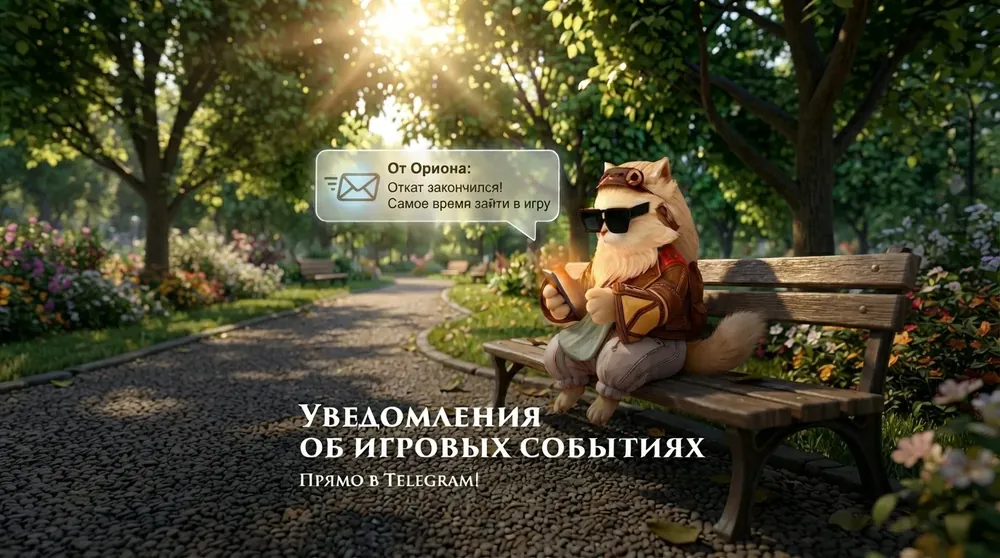
All important events come as notifications — from sold items to the state of your farm. Nothing gets lost, even when you're out of the game. An instance has reset, the Olympiad has started, your animals are hungry or a lot has sold — you will know right away.
Nothing gets lost anymore, even when you're out of the game.
Connecting Orion notifications
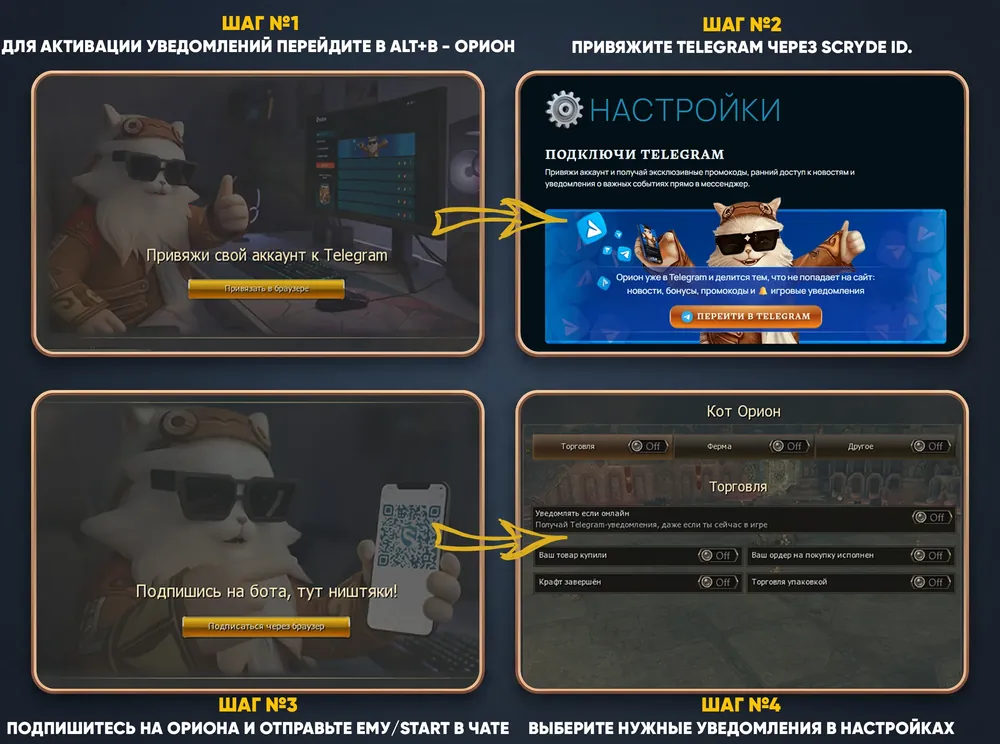
Picture guide to connecting notifications
Text guide to connecting Orion notifications
1. A required condition for connecting notifications – having a Scryde ID and a Telegram Account. If you don't have a Scryde ID, here is a detailed guide to creating and using a Scryde ID — Scryde ID Guide
2. To turn on notifications, go to ALT+B -> Orion.
3. Link your account to Telegram by clicking the "Link in browser" button, and go to Scryde ID to link it.
4. After Scryde ID and the Telegram Account are linked, go back to the game and click "Next Step" to go to the next step, where you need to subscribe to Orion and send him the start message – /start. You can get to Orion the Cat with the button - Orion the Cat
5. After subscribing to Orion the Cat, click "Next Step" to reach the settings menu, where you can choose the available options for sending notifications
Ще в розділі «Account and game features»


Коментарі
Коментарів поки немає. Знаєте щось корисне про цю сторінку? Напишіть.