Character archiving
Account and game features · Actualizado: 06.07.2026
Character archiving
Why characters get archived
If you haven't logged in for a long time, your characters may have been archived. This happens if nobody has logged into the character for 4–5 months (the nickname is released).
Character archiving is needed for offloading the database of the server, which makes the server work more efficiently.
How to restore a character from the archive
Method 1: through the game client
- Log into the game. If you have no characters on the account, create a new one.
- Type the command in chat .archive.
- A window with the list of archived characters appears.
- Choose the character and restore it from the archive.
- After restoring, the character is available again both in the Personal Account and in the game.
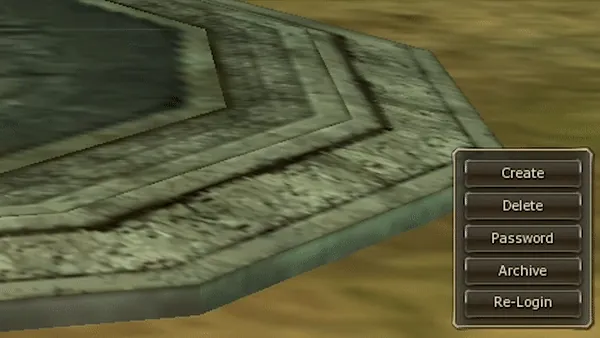
Method 2: through the "Archive" button in the client
The client has a special button "Archive". Clicking it lets you see and unarchive all your characters on the account that are in the archive.
What happens to the character's items when archived
- All itemsthat the character had at the moment of archiving are kept as they were.
- The only thing that can be lost – the clan (only if your character was the clan leader). Restoring the clan after unarchiving is impossible.
- After restoring a character you may lose Noblesse. In that case you don't need to do the quest again – Noblesse comes back after the morning restart of the server.
Más en «Account and game features»


Comentarios
Todavía no hay comentarios. ¿Sabes algo útil sobre esta página? Compártelo.